Inputs → figure
AI Scientific Image Generator
Turn a scientific brief into an AI illustration draft. Review visual relationships, requested labels and limitations, then download the original PNG.
Checking AI availability…
Example input
Start with a reproducible example
Self-authored, simulated teaching input for exploring this workflow. It is not a user’s research or a public gallery submission.
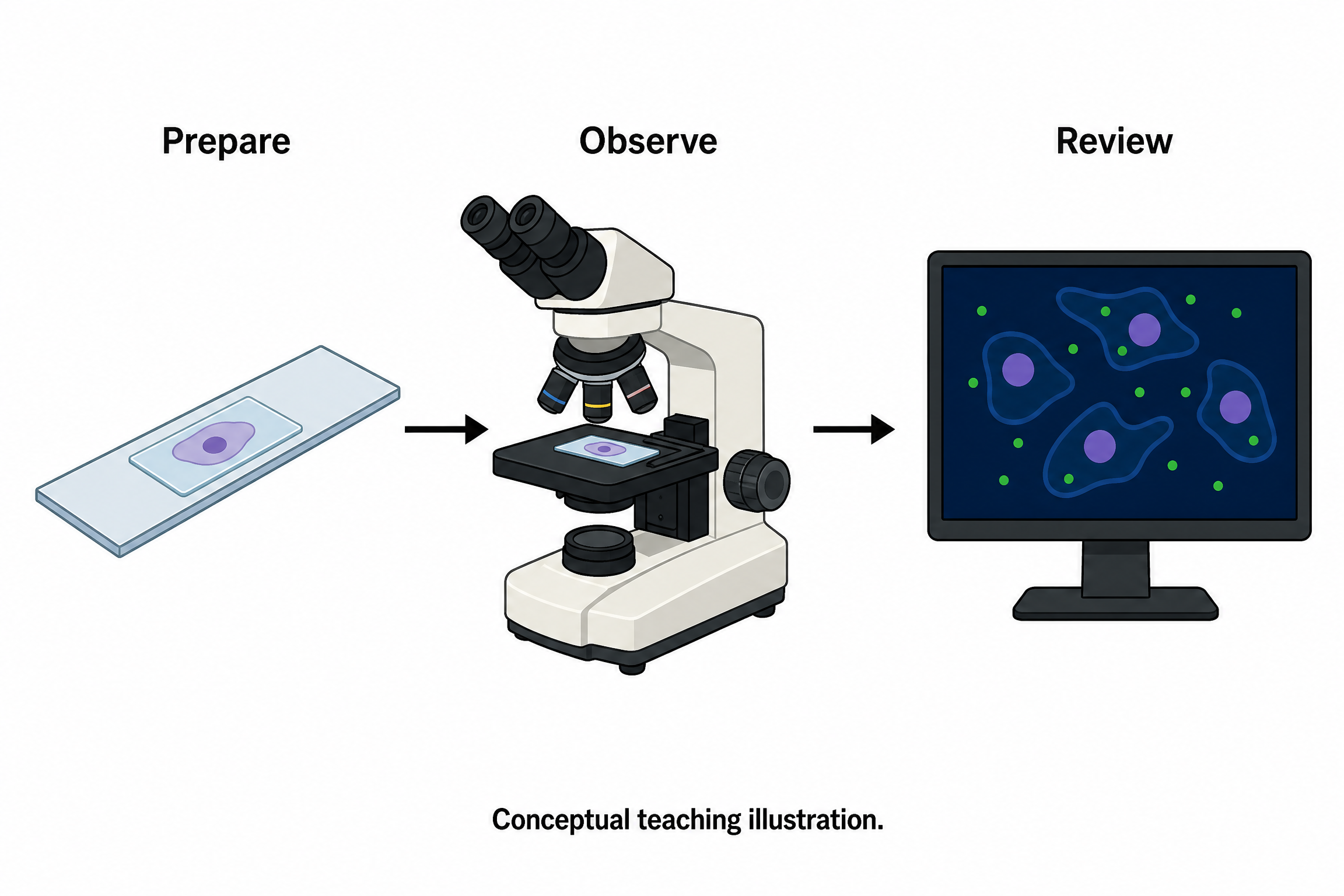
Create a conceptual teaching illustration of a fluorescence microscopy workflow: prepared slide on the left, microscope in the center, and a schematic observation panel on the right. Use exactly three short labels: Prepare, Observe, Review. No experimental data, numerical values or realistic micrographs. Add the footer: Conceptual teaching illustration.
Reviewed output · self-authored simulated input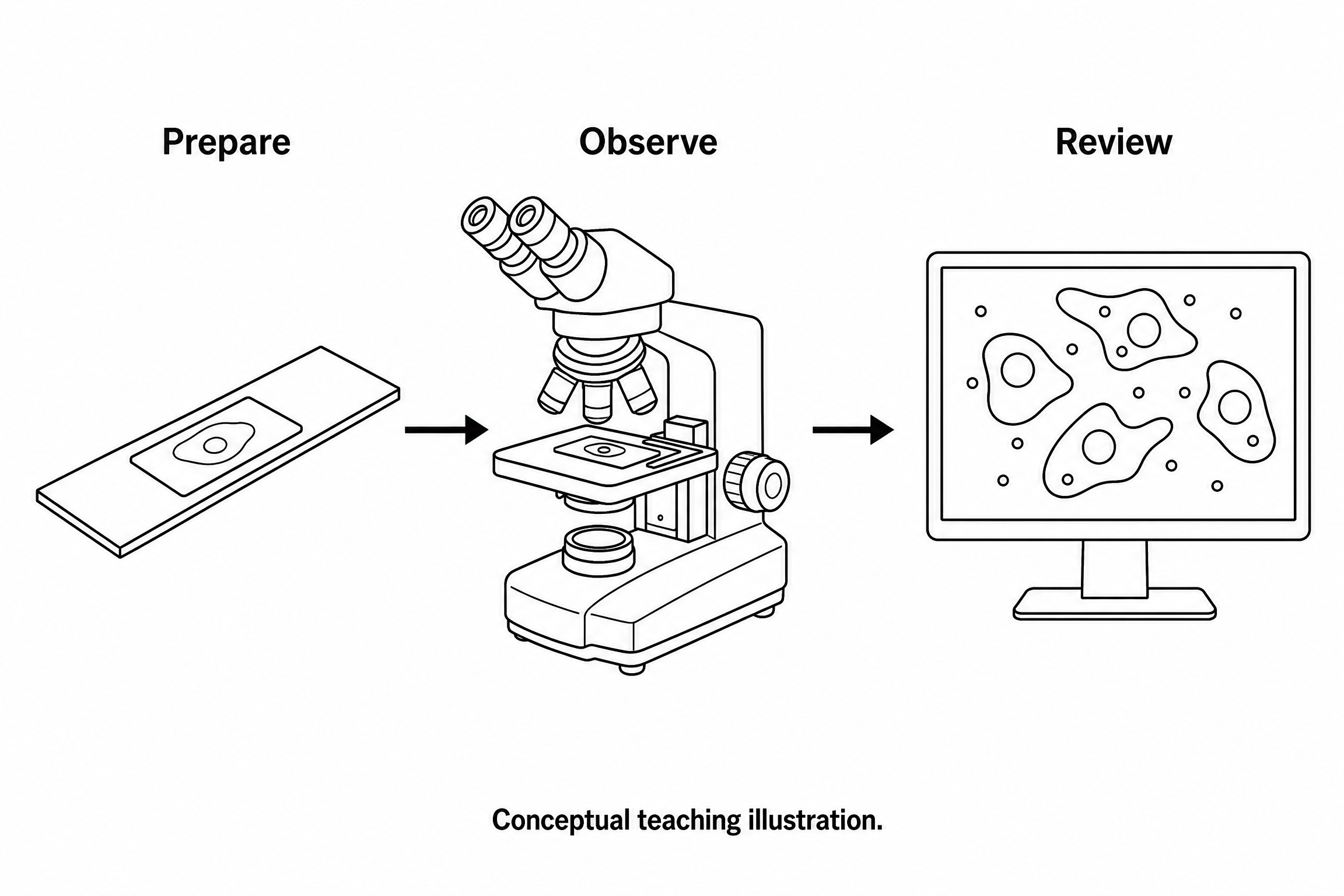
Revise a permitted self-authored PNG workflow to line art. Preserve Prepare → Observe → Review, omit measurements and add no new experimental findings.
Reviewed output · self-authored simulated inputRead the example input
{
  "brief": "Create a conceptual teaching illustration of a fluorescence microscopy workflow: prepared slide on the left, microscope in the center, and a schematic observation panel on the right. Use exactly three short labels: Prepare, Observe, Review. No experimental data, numerical values or realistic micrographs. Add the footer: Conceptual teaching illustration.",
  "style": "flat-color"
}
Load the disclosed simulated illustration brief and review every label, connection and scientific detail. AI results vary between runs.
From a scientific brief to an image draft
A scientific image brief states the subject, the relationships to show and the facts the image may use. Separate an observed result from an explanatory illustration. For a teaching workflow, identify each stage and its direction; do not ask the model to fill unknown measurements or produce evidence of an experiment.
This route uses Image 2 at 2K to generate a separate raster image. Describe the audience, composition, short labels and details to omit. Inspect the result against your brief before using it: image generation does not verify a mechanism, recover source data or certify scientific accuracy.
Write a bounded scientific brief
State the subject and purpose in one sentence, then list the supplied structures, relationships and exact labels. Explain whether the drawing is a conceptual overview, a teaching diagram or a visual draft for a presentation.
Keep illustrations separate from evidence
Do not present an AI image as microscopy, a measured result or a record of an experiment. Use your verified data plots for quantitative claims and disclose generated imagery where required.
Review the original PNG
Inspect label spelling, spatial relationships, omitted structures and unwanted additions at full resolution. Download the original PNG after approval; there is no independently editable text or vector layer.
How to use this tool
- Describe the subject and the exact relationships to show.
- Choose a style and aspect ratio; optionally add one permitted PNG reference.
- Review the brief and explicitly confirm generation.
- Inspect the result against the supplied scientific details.
- Download the original PNG or revise the brief for a new image.
Specifications and limits
- Route
- Independent Image 2 2K raster illustration; separate from native diagram engines
- Controls
- Scientific brief; line art, flat color or semi-realistic style; supported aspect ratios; optional PNG reference
- Reference
- One PNG up to 5 MiB, 8192 pixels per side and 24 million pixels; only material you may send
- Output
- Original PNG; labels are pixels, without SVG, PPTX or independently editable annotations
- Review
- User scientific review required; no scientific-accuracy or publication-acceptance guarantee
Guest native edits stay in this tab until you explicitly save a confirmed figure. Sign in to keep private works and revision history. Saved native works restore the figure and exports, not the original input form. AI tasks, images and references are private to their owner. Subscriptions and one-time packs are available for AI allowances. Native drawing and exports remain free. Understand export formats.
Frequently asked questions
What can this scientific image generator create?
It creates independent raster illustration drafts from your brief, such as a conceptual workflow or a teaching overview. It does not calculate results or validate scientific claims.
Is the output a real experiment or micrograph?
No. Generated visual content is illustrative. Do not use it as a substitute for experimental images or data.
Can I choose an image style?
Choose line art, flat color or semi-realistic direction. A style is an instruction to the model, not a guarantee of a particular structure or accuracy.
Can I revise an existing image?
You may supply one eligible PNG reference with a revision brief. Confirm you have permission to send it to the provider. Reference-guided revision does not guarantee exact preservation.
Can I download an editable vector image?
This route downloads the original PNG raster image. It does not create native SVG, PPTX or independently editable labels.
Can I use the image in a journal or textbook?
Review the image and the intended publication’s current AI-image, source-rights and disclosure policies. Generation does not guarantee acceptance or establish third-party rights.